
IMTEX APP GUIDE
Create a Playlist
Organize your daily practice with the IMTEX App.
1 Open Playlists
Open the IMTEX App and tap Playlists.
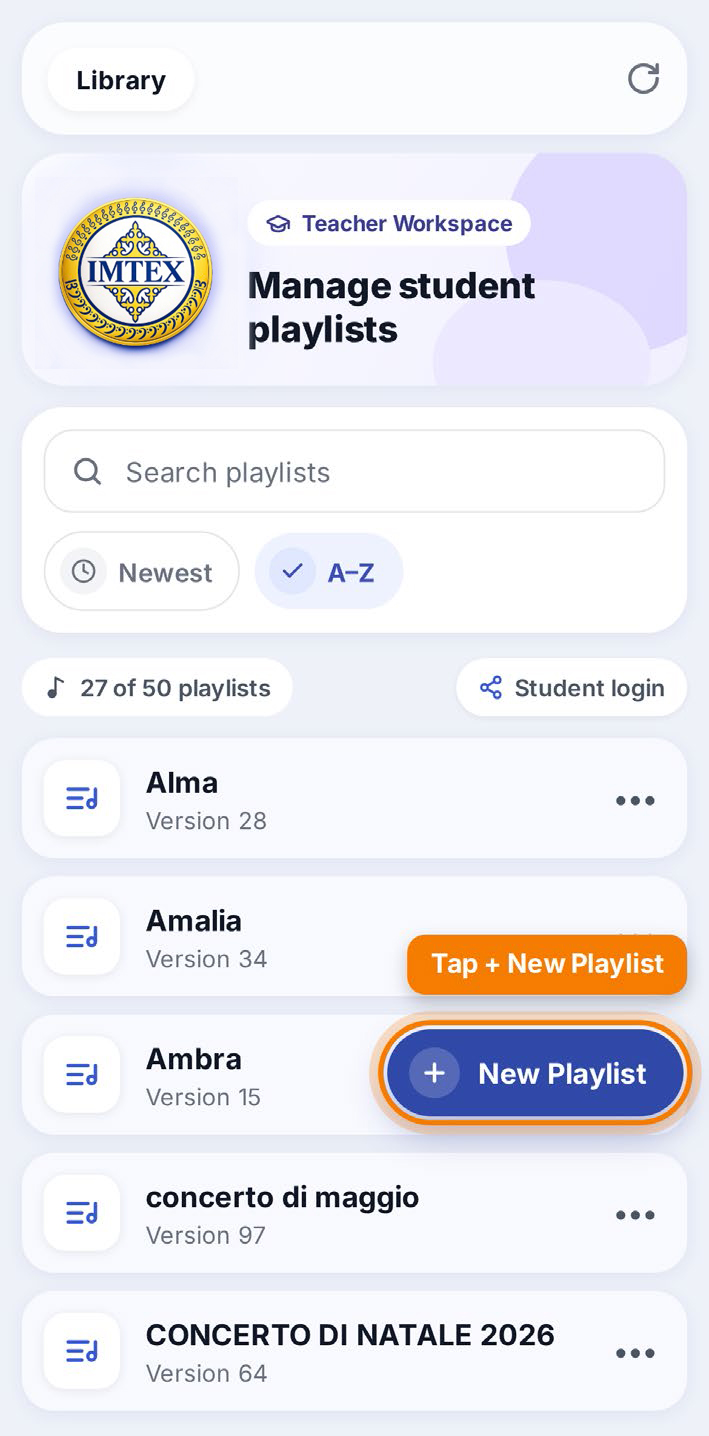
2 Create a New Playlist
Tap + New Playlist to create a playlist.
3 Name Your Playlist
Enter a name for your playlist.
For example, you can use:
- A student's first name
- Group lessons
- Concert programs
Tap Create to save your new playlist.
Why Use Playlists?
For Teachers
Create playlists to guide students' daily practice at home and support their long-term preparation for concert programs.
For Parents
Know what their child should practice and help make daily practice easier.
For Students
Follow clear practice steps, become more independent, and enjoy their progress.