IMTEX APP GUIDE
Getting Started
Install and Sign In to the IMTEX App
1 New to IMTEX?
Please register first on the IMTEX website:
Register with your email address and a password.
2 Download the IMTEX App
Download the IMTEX app to your smartphone or tablet:
iPhone or iPad: Open the Apple App Store.
Android smartphone or tablet: Open Google Play.
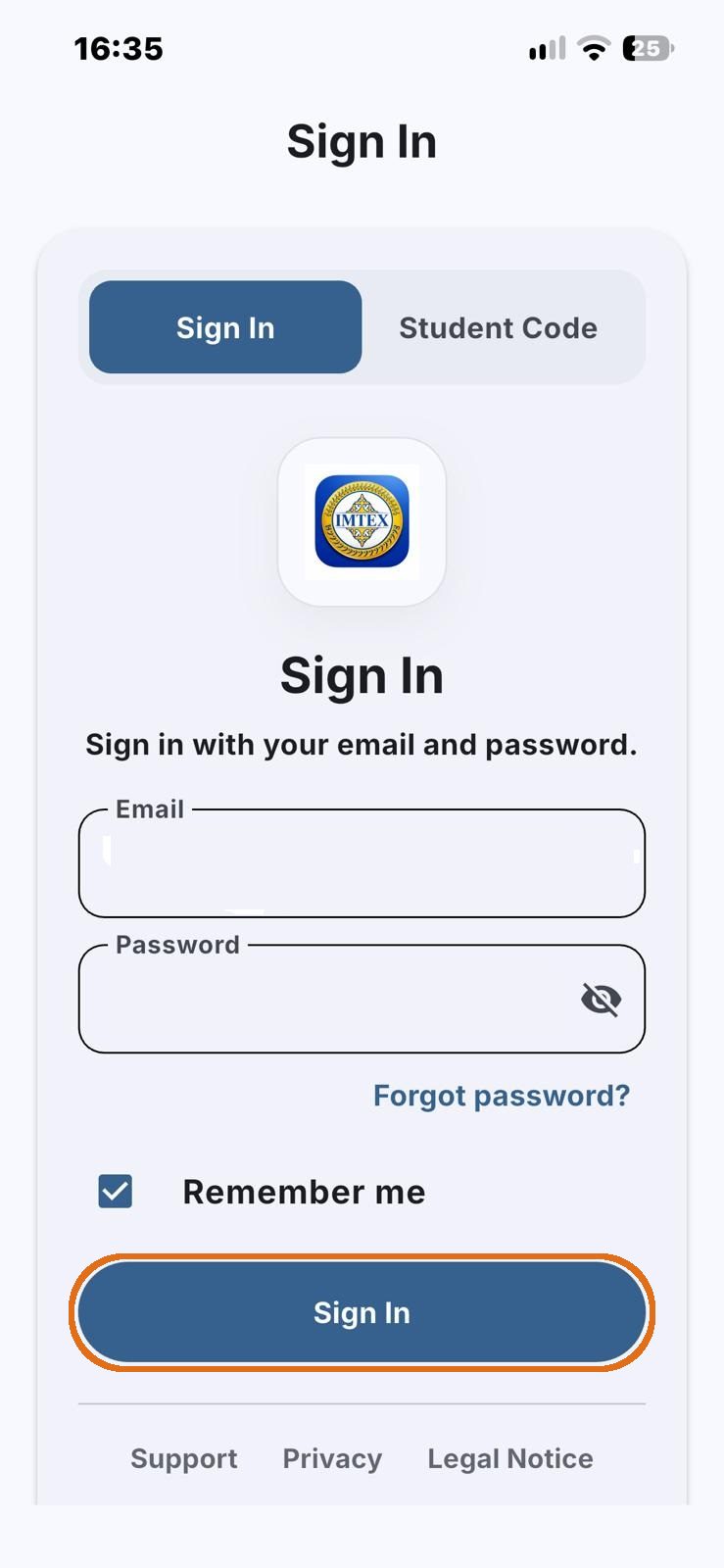
3 Sign In to the App
Open the IMTEX app on your smartphone or tablet.
On the Sign In page, enter the same email address and password you used to register on the IMTEX website.
Remember me: Keep this box checked so you do not need to enter your login details every time.
Then press the blue Sign In button.