IMTEX APP GUIDE
Sort Tracks in a Playlist
Arrange the tracks in your preferred order.
1 Open a Playlist
Open Playlists and select the playlist you want to organize.
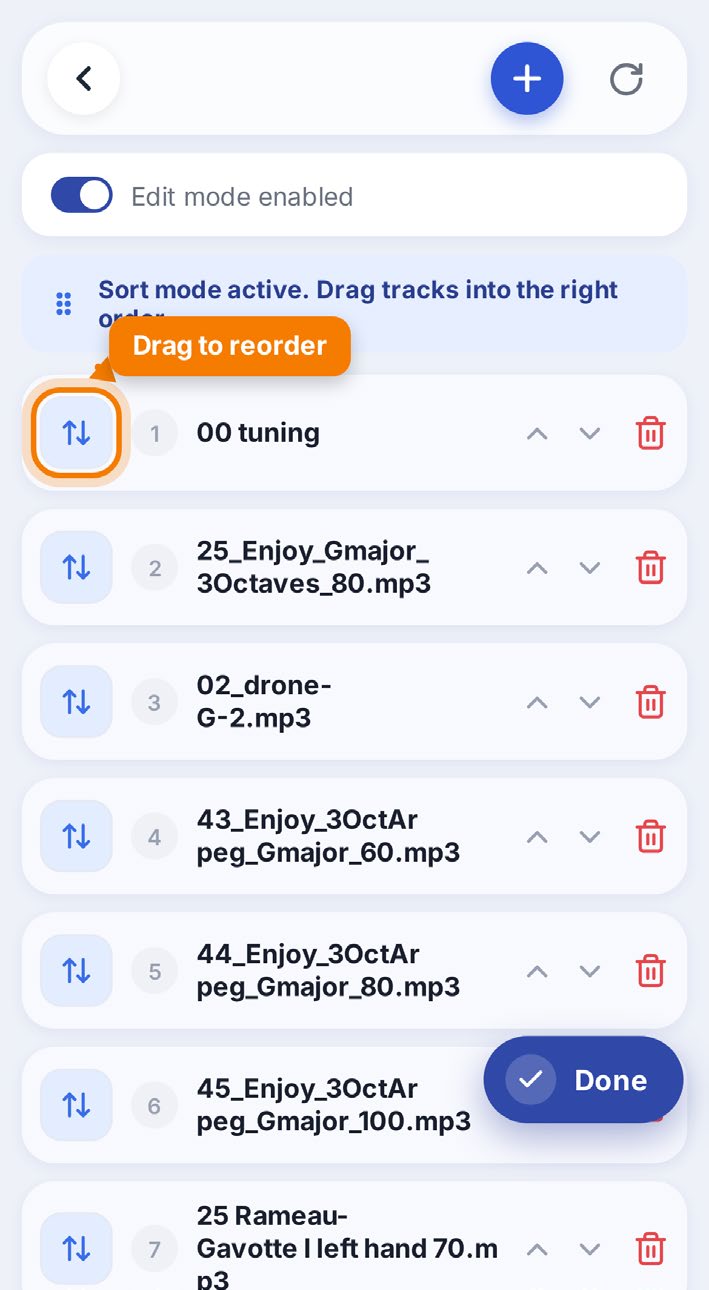
2 Tap Sort
Tap the blue Sort button to change the order of your tracks.
3 Move the Tracks
Touch and hold a track, then drag it up or down to the position you want.
4 Tap Done
Tap Done to save the new order of your tracks.