Repeat a Passage with the Loop Function
Select a short passage and practice it as often as you need.
About the Screenshots
All three screenshots show the loop settings for the Question-and-Answer Song presented in the practice example at the end of this guide.
1. Open and Play a Track
Open an audio track in the IMTEX App.
Tap Play ▶ to start the recording. You only need to play it briefly to activate the track.
Then tap Pause ❚❚.
2. Set the Start of the Loop
Use the Waveform to find the beginning of the passage you want to practice.
Find the Exact Position with Zoom
You can enlarge the Waveform to find the exact position.
There are four zoom levels:
- 1× – Normal view (no zoom)
- 2× – Double size
- 4× – Four times larger
- 8× – Eight times larger
For precise adjustments, use 8× zoom.
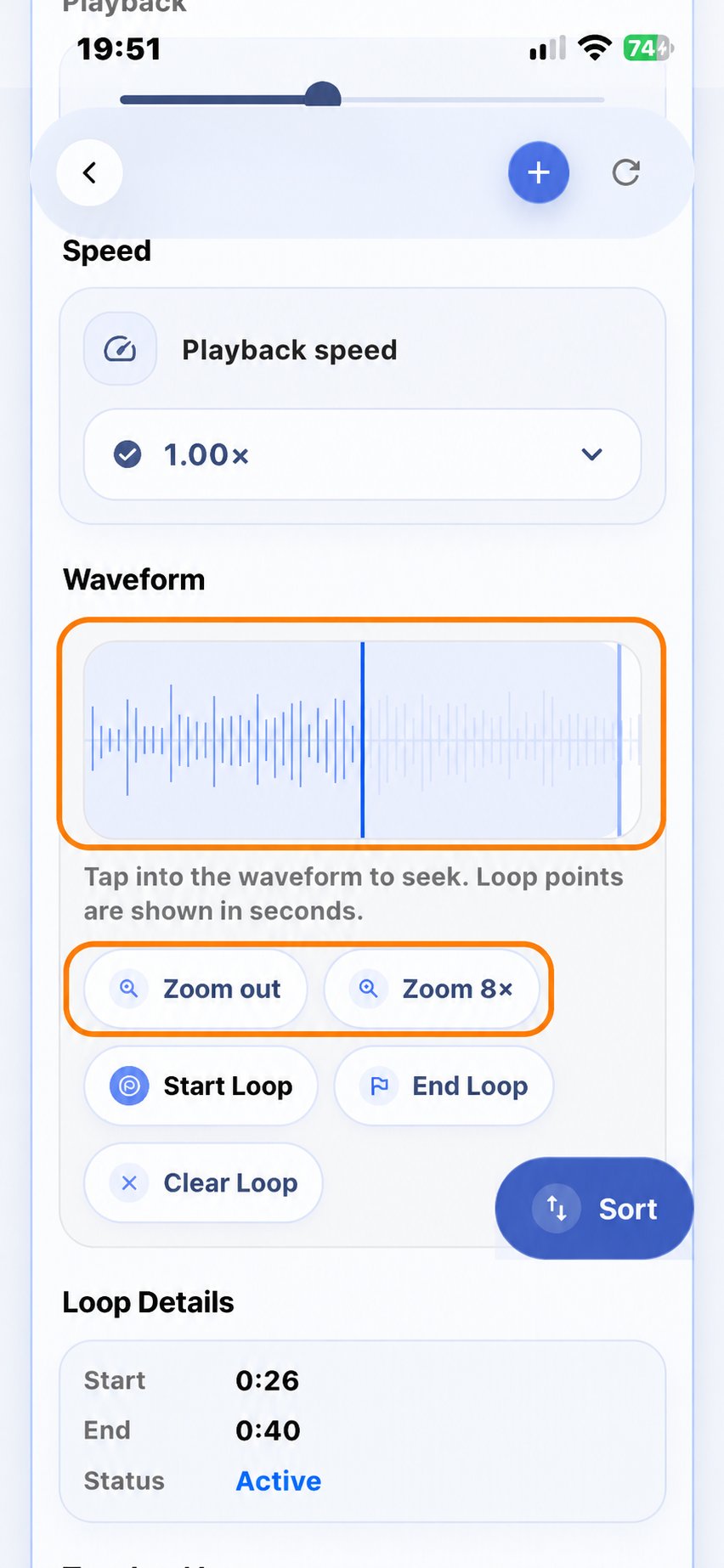
Tap the left side of the Waveform several times to move to an earlier position, or the right side to move to a later position. At 8× zoom, each tap moves the position by approximately one second.
To check the exact time in seconds, scroll up to the Timeline at the top of the player.
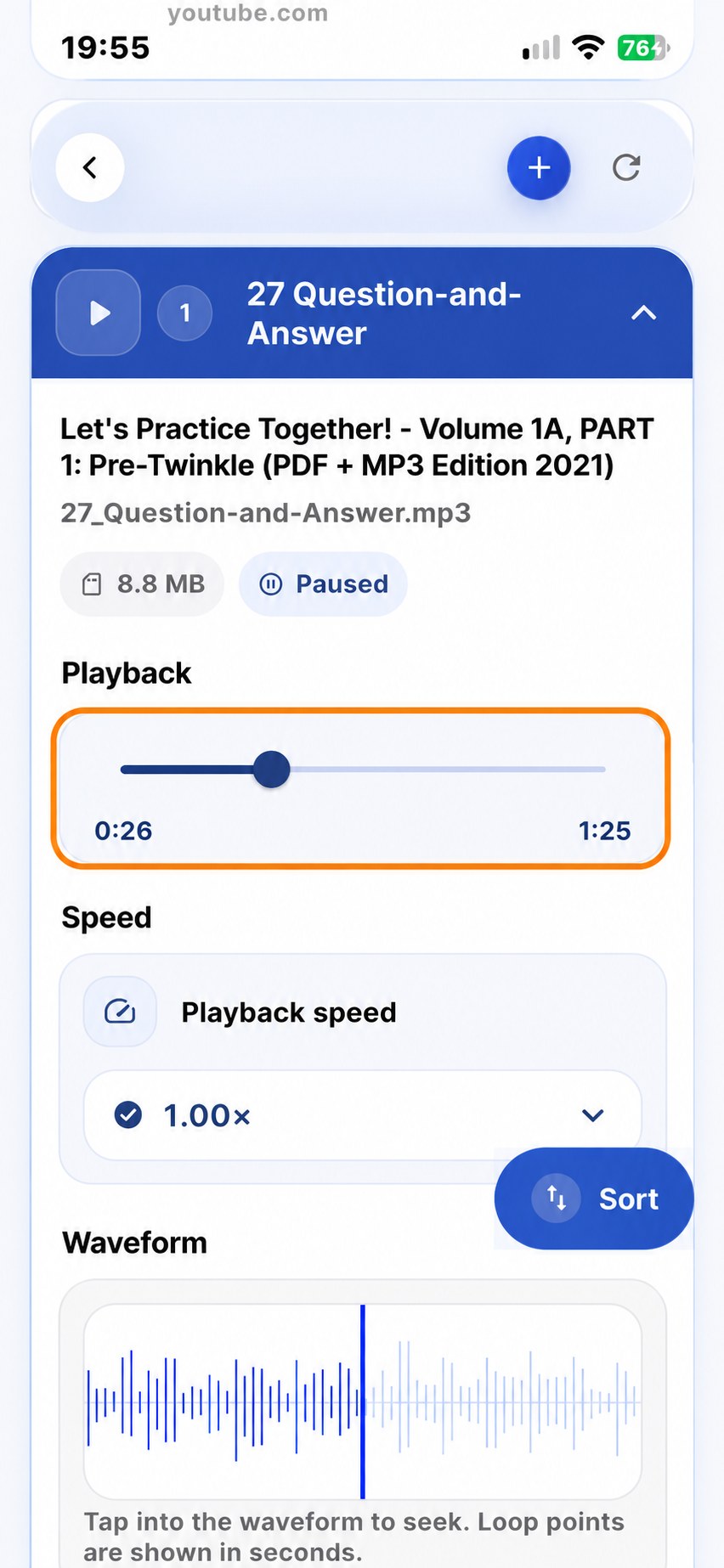
When you have found the correct position, tap Start Loop.
3. Set the End of the Loop
Use the Waveform to find the end of the passage you want to practice.
You can use the same Zoom function and check the exact time in the Timeline.
Tap End Loop to set the end point.
You do not need to play the recording again before setting the end point.
Check Your Loop Details
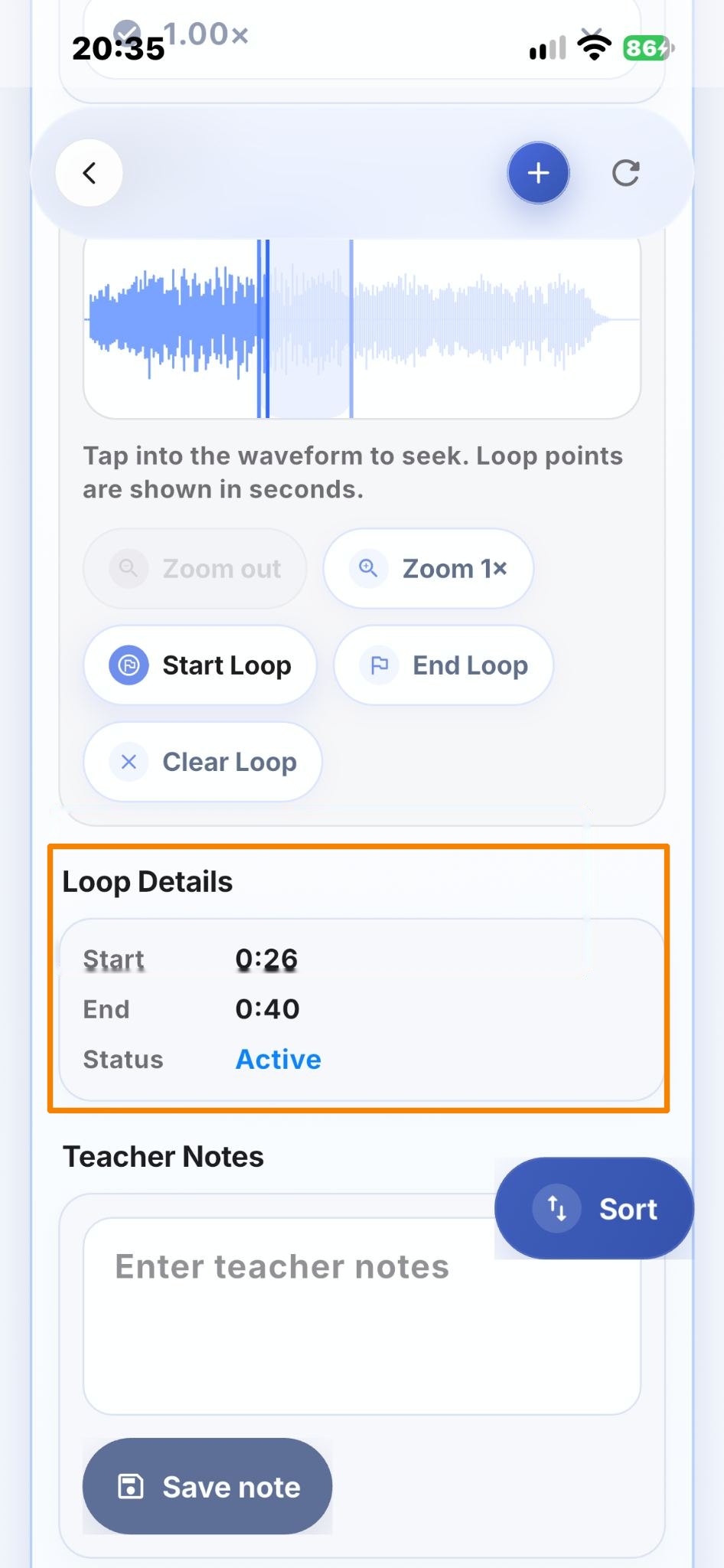
Scroll down to Loop Details.
Here you can check the exact start and end times of your selected passage.
Make sure that the status shows Active.
4. Practice Your Selected Passage
Tap Play ▶.
The selected passage will repeat automatically between the two points.
You can listen, play along, or practice the passage several times.
5. Clear the Loop
Tap Clear Loop when you no longer want to repeat the selected passage.
Saving Your Loop Settings
Tracks in a Playlist
Your loop settings are saved automatically when the audio track is part of a playlist and you have an internet connection.
The loop remains saved until you tap Clear Loop.
Tracks Not in a Playlist
You can also use the Loop function with tracks that are not in a playlist. However, these loop settings are temporary.
When you close the track, the loop settings are lost.
Loop Settings for Different Licenses
Basic License
You can save loops in your own playlists and use them for your practice.
Studio and School Licenses
Teachers can set loops directly for the tracks in their students' playlists. This helps students focus on practicing specific sections more intensively at home.
Each student can access their playlists using their personal Student Key.
For more information, see Guide 08 – Share the Student Key.
Practice Tip
Choose a short passage with one specific technical or musical challenge.
Repeat it several times, paying attention to the same practice goal. Then return to the complete piece.
Practice Example – A Creative Loop for Beginners
The Loop function can also make practicing more varied and enjoyable for very young beginners.
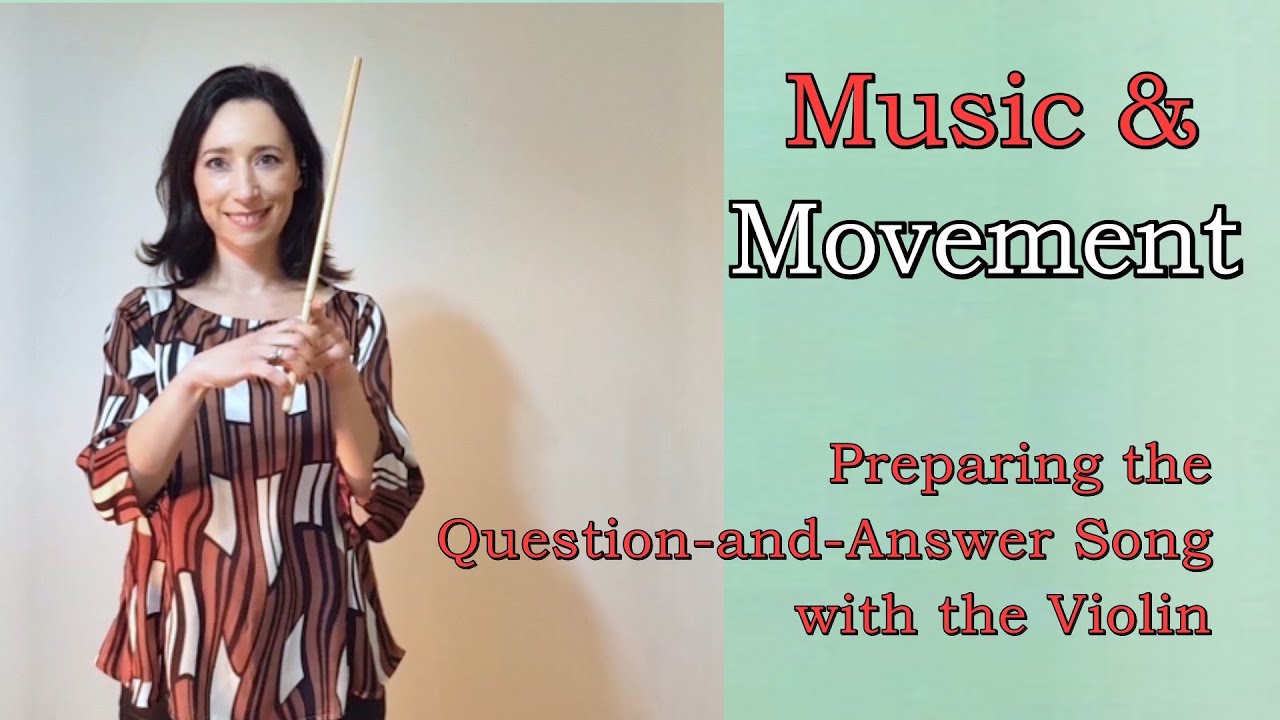
In this video, Arjada Hasanaj demonstrates the Question-and-Answer Song with the third Twinkle rhythm. The short passage is played five times, each time with a different practice variation.
Try setting the loop yourself and explore how one short passage can become a creative practice activity.
Find the Recording in the IMTEX Media Library
Level: Violin Pre-Twinkle
Category: All Practice Resources – Pre-Twinkle
Track 27: Question-and-Answer Game
Start Loop: 0:26
End Loop: 0:40